
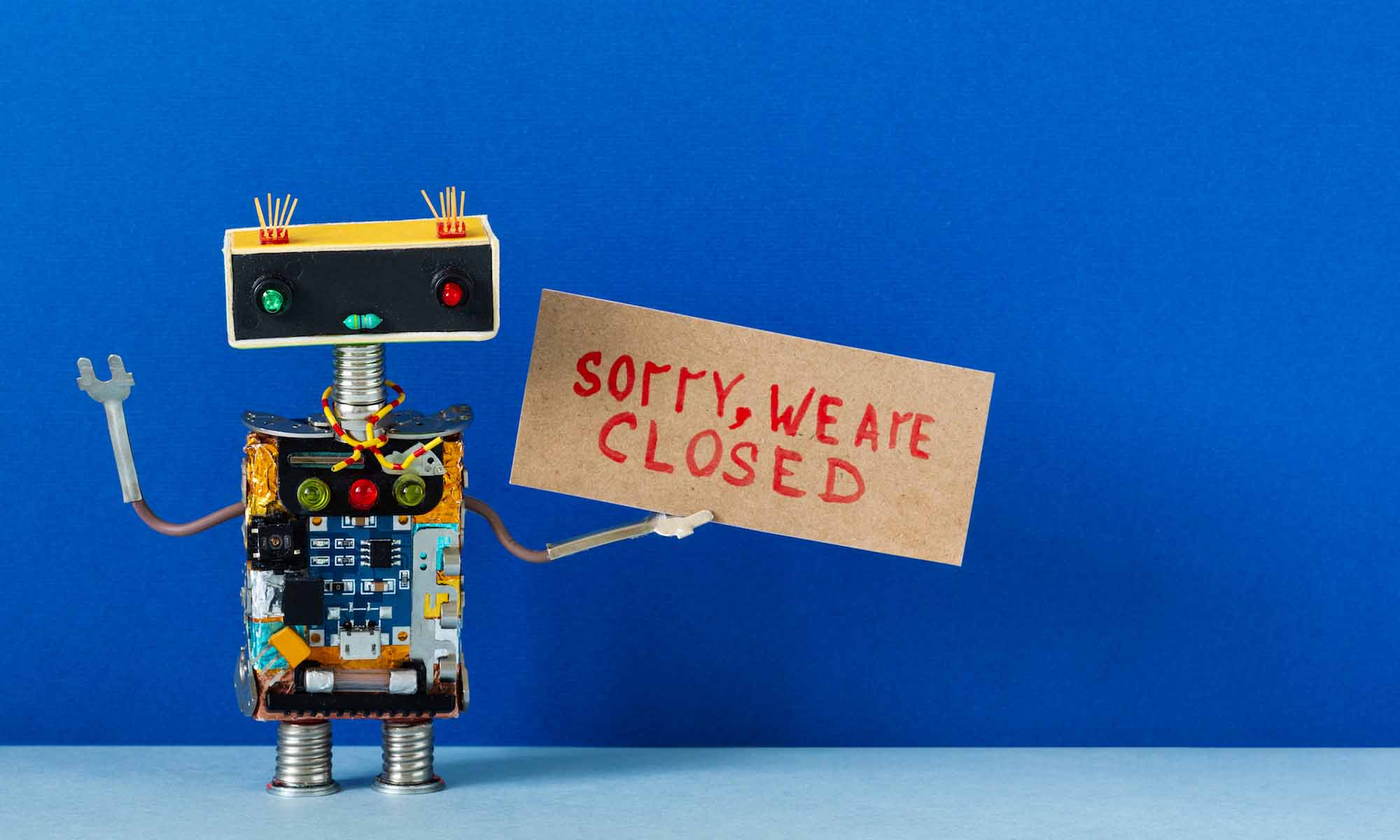
If you've been keeping on top of your WordPress updates using the automatic upgrade feature, you may have run into a problem immediately after upgrading. A message that prevents access to any page on your blog, "Briefly unavailable for scheduled maintenance. Check back in a minute". Even if you've already completed the upgrade, this message could still appear. It's not a fun situation and, admittedly, I freaked out the first time I ran into that problem. Fortunately, your life as you know it isn't over...there is salvation ahead, and it's brain-dead simple.
Cause of the Maintenance Message
During an automatic upgrade, WordPress places a file in the blog root directory called ".maintenance" to prevent visitors from being confronted with ugly, broken pages during the upgrade process. That's a great little built-in feature, but if the upgrade gets interrupted or fails for any reason, that file doesn't get deleted and nobody, including you, can access your blog. No worries, this is (most likely) the simplest fix on Earth.
Removing the Maintenance Message
All you have to do is delete the .maintenance file from the blog root directory. Simple as it gets. After you've deleted the files you should be able to access the site just fine, but you may have to run the automatic upgrade again. How do you know if you should run it again? You'll see a notification on the dashboard page that a new version of WordPress is available...same as you always see when a new upgrade is available. If you don't see that message, you're good to go.
Of course, this fix assumes the blog upgrade failure was really just a one-time occurrence and not a symptom of a larger problem. If you've deleted the file and the automatic upgrade continues to fail, you've probably got a larger issue at hand, and that's a topic far too long to cover in this article.